

Close Menu
NewsInstall

    Subscribe to Updates

    Get the latest creative news from FooBar about art, design and business.

    What's Hot

    Britain and the European Union Sign New Post-Brexit Deals at Reset Summit

    November 23, 2026

    FBI Blames North Korea for Record $6.3 Billion Binance Hack

    November 23, 2026

    Denmark Unanimously Approves US-Greenland Security Deal After Months of Tension

    November 21, 2026
    Facebook X (Twitter) Instagram
    NewsInstallNewsInstall
    • Home
    • AI News
    • Tech News
    • World News
    • Politics
    • Entertainment
    • Reviews
    NewsInstall
    Home»Tech News»ASIO4ALL: A Simple Way to Fix Audio Latency on Windows
    Tech News

    ASIO4ALL: A Simple Way to Fix Audio Latency on Windows

    Gustavo NascimentoBy Gustavo NascimentoOctober 24, 2026No Comments3 Mins Read
    Facebook Twitter Pinterest LinkedIn Tumblr Email
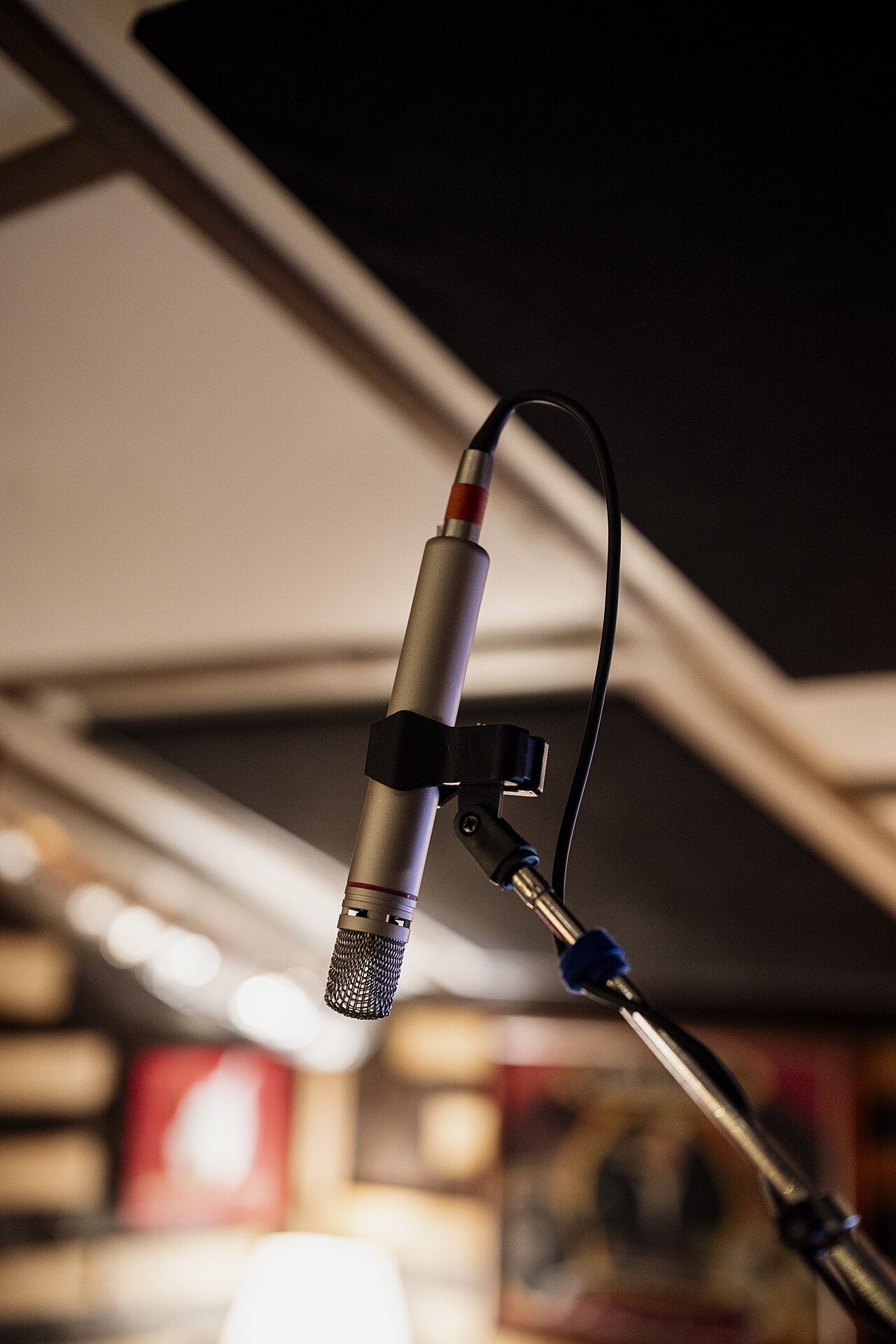
    A microphone is attached to a stand in a recording studio. The setting is dimly lit, providing an ideal space for music and vocal recordings. Equipment and soundproofing are visible in the background.
    Share
    Facebook Twitter LinkedIn Pinterest Email

    Music makers on Windows often face one frustrating problem: a delay between playing a note and hearing it. ASIO4ALL Official is a free audio driver that reduces that delay, known as latency, and helps digital audio software work smoothly with ordinary sound cards.

    What Is ASIO4ALL?

    ASIO4ALL is a free, universal ASIO driver for Windows. ASIO is a low-latency audio protocol used by music production software, and ASIO4ALL lets programs that need ASIO work with sound hardware that does not have its own ASIO driver.

    It is aimed at home studio users, musicians, and podcasters who use a digital audio workstation, or DAW, on a Windows PC with a built-in sound card or a basic USB audio device.

    Why Latency Matters

    Latency is the time between an action and its sound. When recording a guitar or singing into a microphone, even a short delay makes it hard to play in time with a backing track.

    Low latency also helps with live monitoring. When latency is low, the performer hears themselves almost instantly, which feels natural and keeps timing tight.

    Key Features for Music Makers

    • Lower latency: Reduces the delay between input and output in audio software.
    • Works with common hardware: Lets ASIO software use built-in sound cards and basic USB devices.
    • Free to use: No cost for home studio and hobby use.
    • Simple setup: Install, select it in the DAW audio settings, and adjust the buffer size.
    • Flexible routing: Combine inputs and outputs from different devices in one setup.

    Getting Started

    1. Download ASIO4ALL from its official site and install it on a Windows PC.
    2. Open the DAW and choose ASIO4ALL as the audio driver in the audio settings.
    3. Open the ASIO4ALL control panel and enable the sound device to be used.
    4. Set the buffer size low enough for comfortable monitoring, but high enough to avoid crackles.
    5. Test with a simple recording, then adjust the buffer if clicks or dropouts appear.

    Buffer size is a trade-off. A smaller buffer gives lower latency but needs more processing power, while a larger buffer is more stable but adds delay.

    Practical Tips

    If audio crackles, increase the buffer size slightly before changing anything else. If latency feels high, close other audio apps and avoid running heavy effects while recording.

    For the best results, use one audio device for both input and output when possible, and keep the sample rate the same in the DAW and in Windows.

    Final Thoughts

    ASIO4ALL is useful because it gives Windows music makers low-latency audio without needing expensive hardware. For home studios and beginners, it is a simple, free way to make recording feel responsive.

    To learn more about low-latency audio on Windows, visit asio4allofficial.com.

    Share. Facebook Twitter Pinterest LinkedIn Tumblr Email
    Gustavo Nascimento

    Related Posts

    Latest tech news updates on gadgets, AI, and innovations

    May 24, 2026

    In-depth coverage of software, hardware, and tech developments

    May 24, 2026

    Breaking technology stories, startups, and digital industry trends

    May 24, 2026
    Leave A Reply Cancel Reply

    Search
    Latest Posts

    ASIO4ALL: A Simple Way to Fix Audio Latency on Windows

    October 24, 2026

    Home Batteries Let Solar Homes Keep the Lights On

    October 21, 2026

    Heat Pumps, Explained: Modern Home Heating Without Gas

    October 21, 2026

    In-depth coverage of machine learning and AI technology trends

    May 24, 2026
    About Us

    NewsInstall delivers the latest updates in technology, AI, world news, entertainment, politics, and digital trends for modern readers worldwide.

    Stay informed with reliable news, smart insights, honest reviews, and easy-to-follow guides updated daily on NewsInstall. #NewsInstall

    Latest Posts

    Britain and the European Union Sign New Post-Brexit Deals at Reset Summit

    November 23, 2026

    FBI Blames North Korea for Record $6.3 Billion Binance Hack

    November 23, 2026

    Denmark Unanimously Approves US-Greenland Security Deal After Months of Tension

    November 21, 2026
    Contact Us

    If you have any questions or need further information, feel free to reach out to us at

    Email: davidpowellofficial@gmail.com
    Telegram: @davidpowellofficial

    Address: 4853 Norman Street
    Los Angeles, CA 90042

    © 2026 | All Rights Reserved | NewsInstall.
    • About Us
    • Privacy Policy
    • Disclaimer
    • Terms and Conditions
    • Contact Us
    • Write for Us
    • Sitemap

    Type above and press Enter to search. Press Esc to cancel.

    WhatsApp us